


Endoscopy Carts for Gastroenterology Systems
TL;DR – GI Endoscopy Cart Requirements
- Gastroenterology systems are high-frequency, multi-device setups used in daily clinical workflows
- Typical configurations include endoscope, processor, light source, monitor, and supporting cart system
- These environments require stable structure, efficient cable management, and sufficient load capacity
- Poor cart design can lead to workflow interruptions, cable clutter, and equipment instability
- Multi-device configurations
- Advanced cart setups designed for continuous use
What Is Gastroenterology Endoscopy?
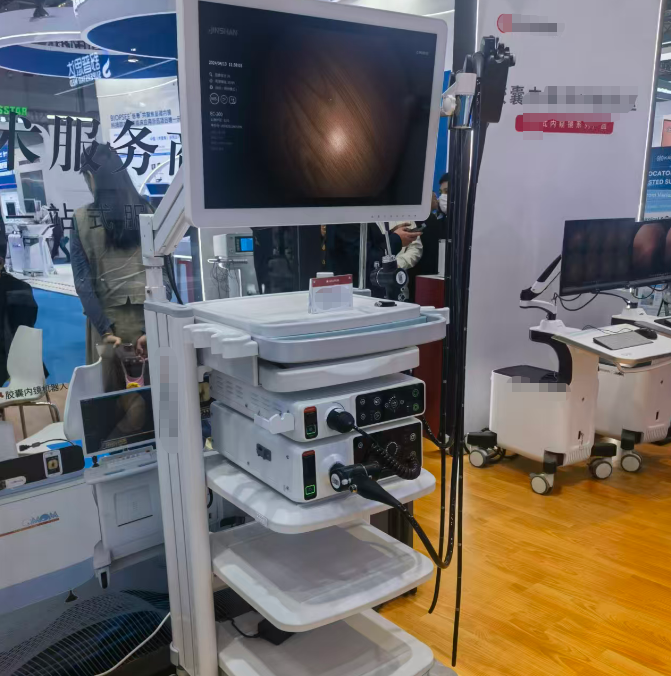
Gastroenterology endoscopy is a minimally invasive procedure that uses a flexible, camera-equipped tube (endoscope) to examine the digestive tract.
In real clinical use, it is not a single device, but a coordinated setup where multiple devices work together:
• Endoscope
• Video processor
• Light source
• Monitor
• Supporting cart
This creates a multi-device system used continuously in daily procedures.
System Setup Overview
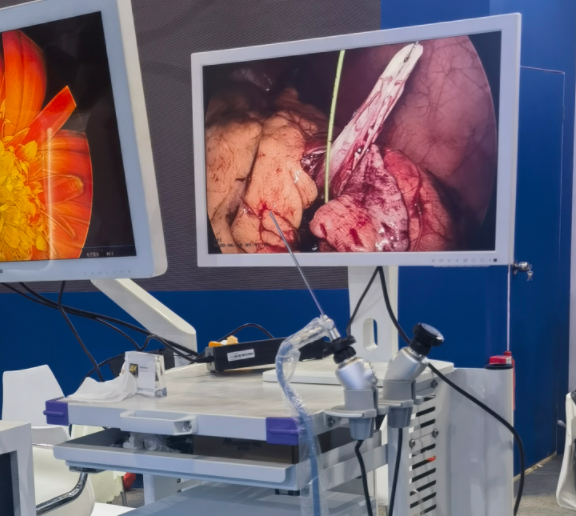
Endoscope
Captures internal visuals and sends image signals during the procedure.
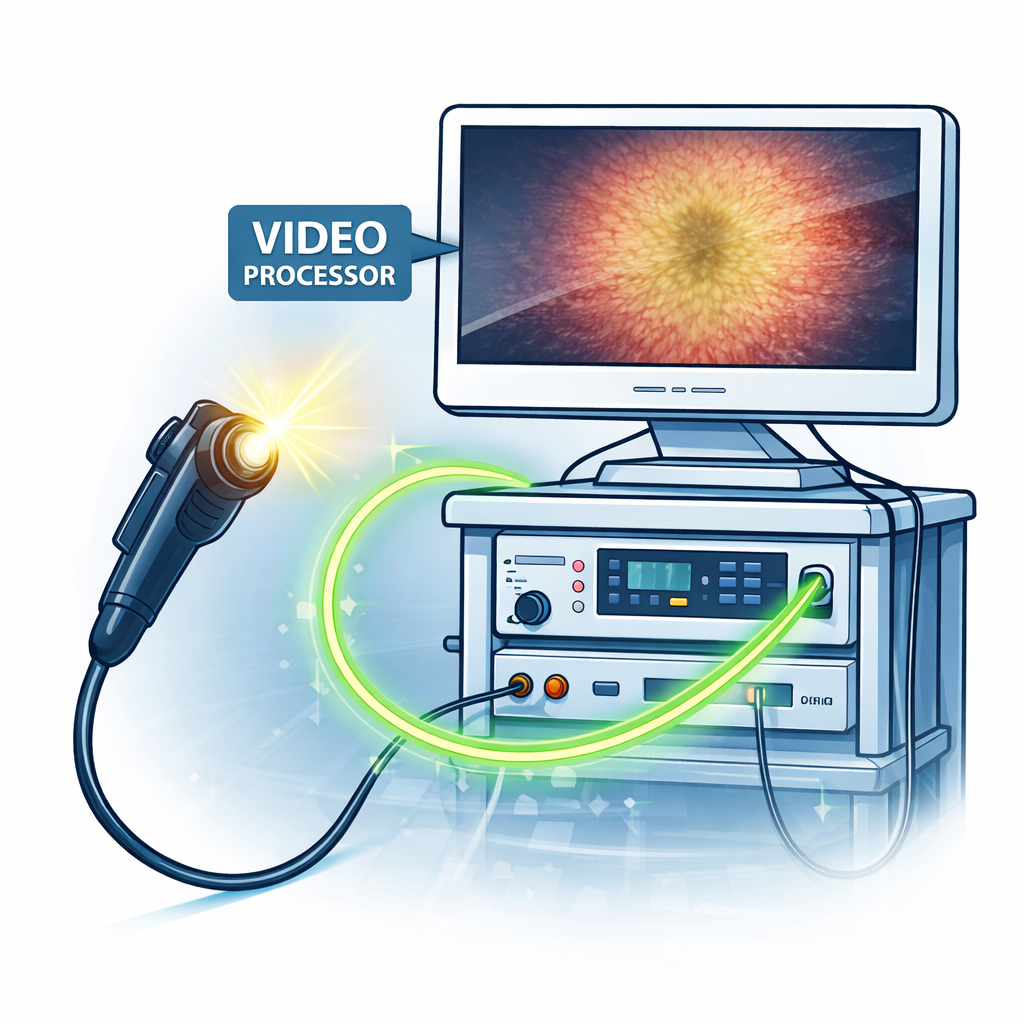
Video Processor
Receives and processes signals from the endoscope, converting them into clear, real-time images.
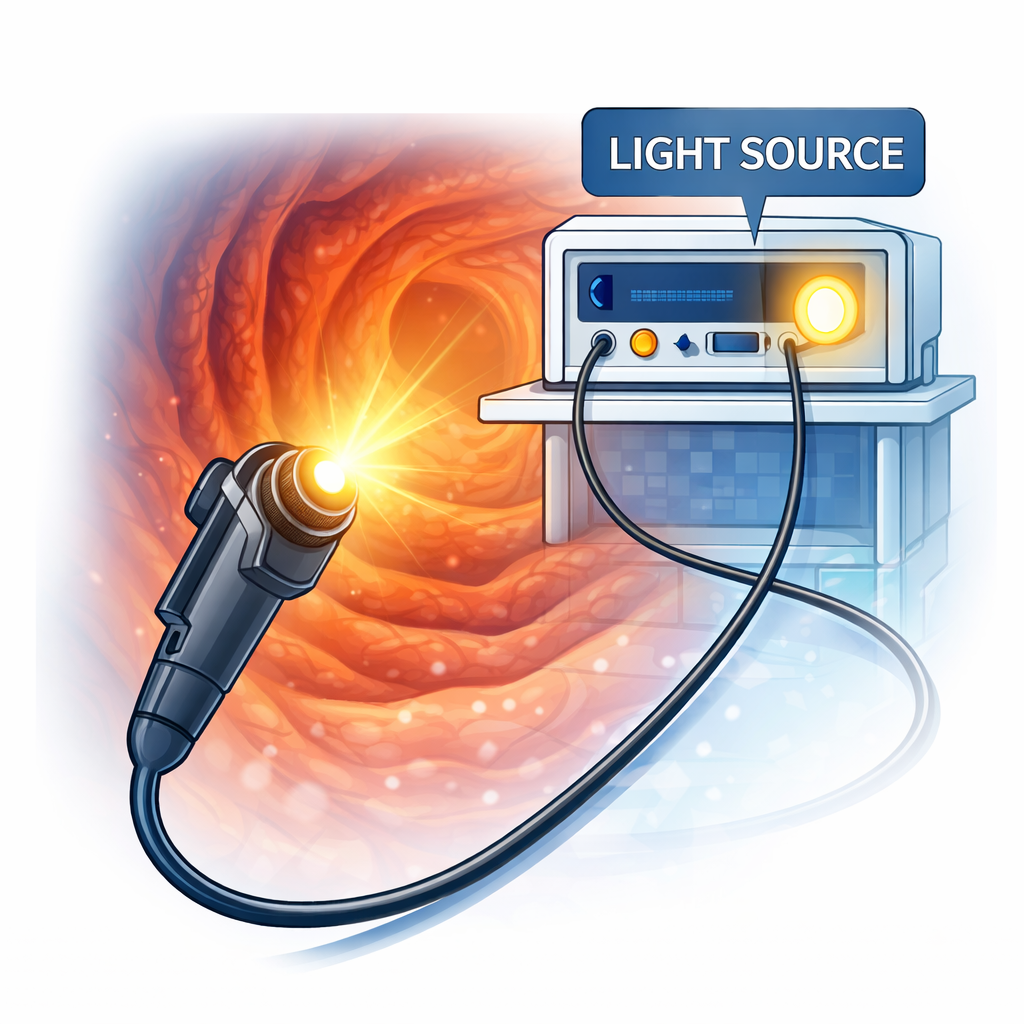
Light Source
Provides stable illumination to ensure visibility inside the digestive tract.
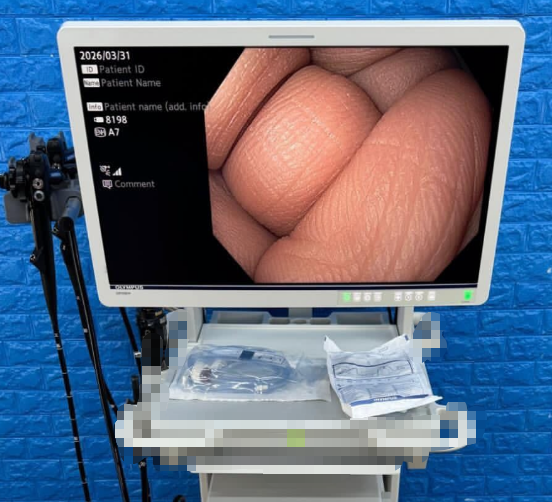
Monitor
Displays the processed images for accurate observation and operation.
Cart
Integrates, supports, and organizes all equipment into one stable and mobile system.
Together, these components form a complete workflow:
The endoscope captures → the processor converts → the light source illuminates → the monitor displays → and the cart brings everything together into a unified system.
The cart is not just a support structure — it acts as the central platform that ensures organization, stability, and efficient daily operation of the entire setup.
What Makes Gastroenterology Endoscopy Systems Different?
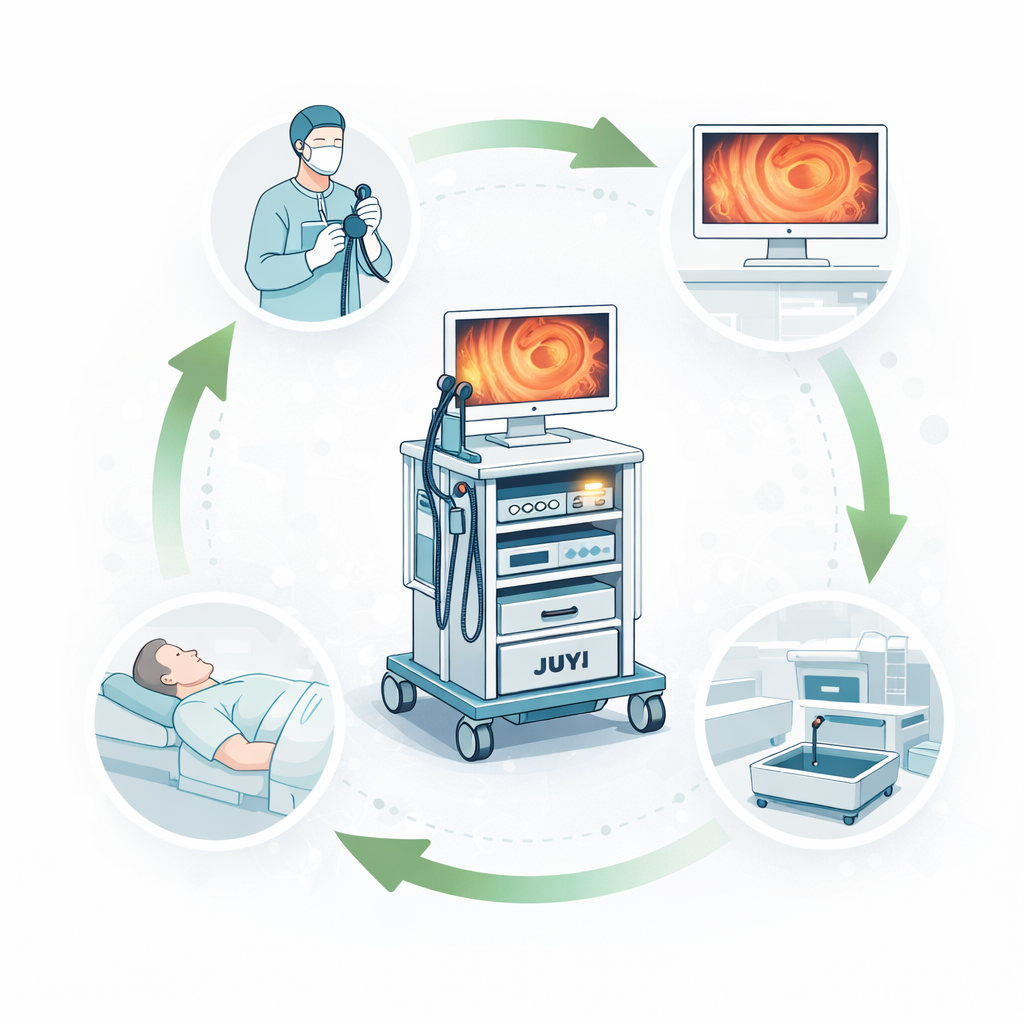
1. Continuous, High-Frequency Workflow
- Procedures such as gastroscopy and colonoscopy are performed continuously throughout the day.
- GI units are designed for high patient throughput with minimal downtime between cases.
- Even small inefficiencies or instability can quickly disrupt the entire workflow.
2. Multi-Device System Integration
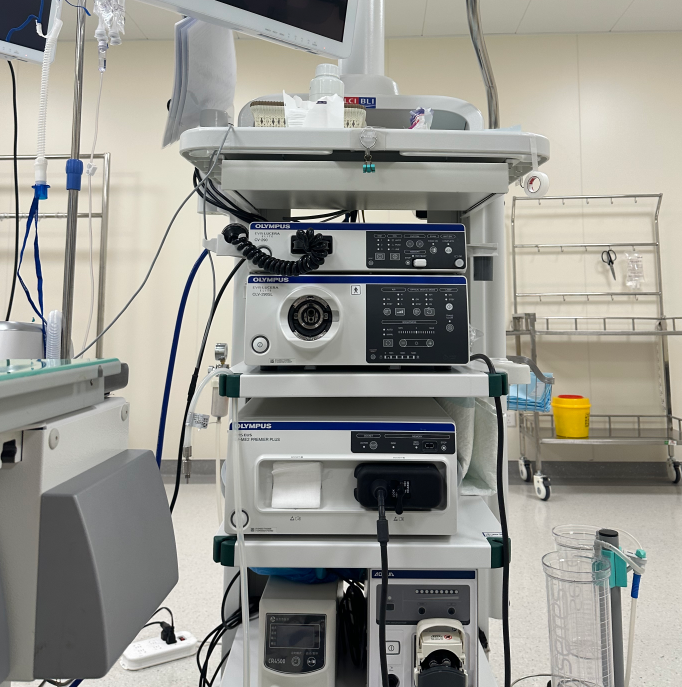
- Multiple devices operate simultaneously within one coordinated setup.
- Each component must stay properly connected and positioned during use.
- The system depends on stable integration rather than individual device performance.
3. Continuous Operation Environment
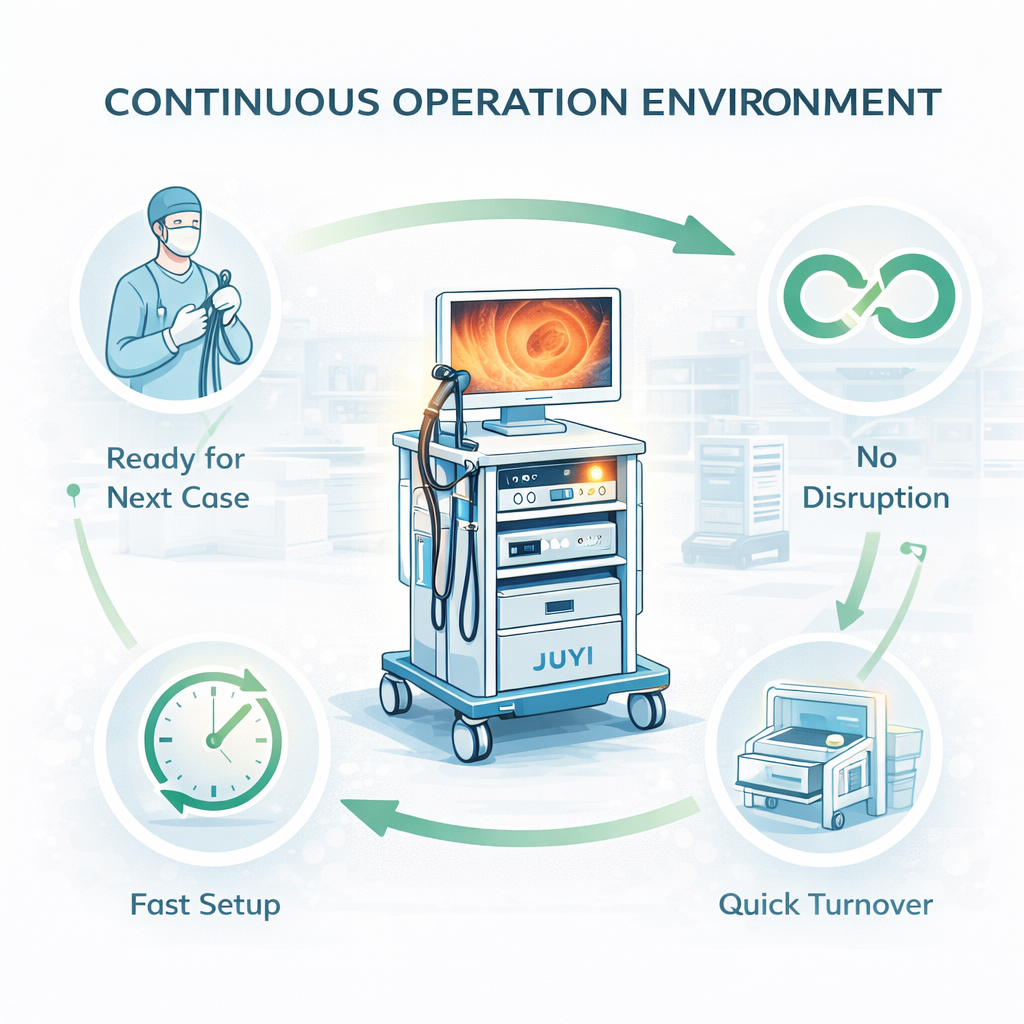
- Equipment must remain ready for repeated use without frequent adjustments.
- Fast turnover between procedures requires consistent system organization.
- Any setup disruption can slow down the entire clinical schedule.
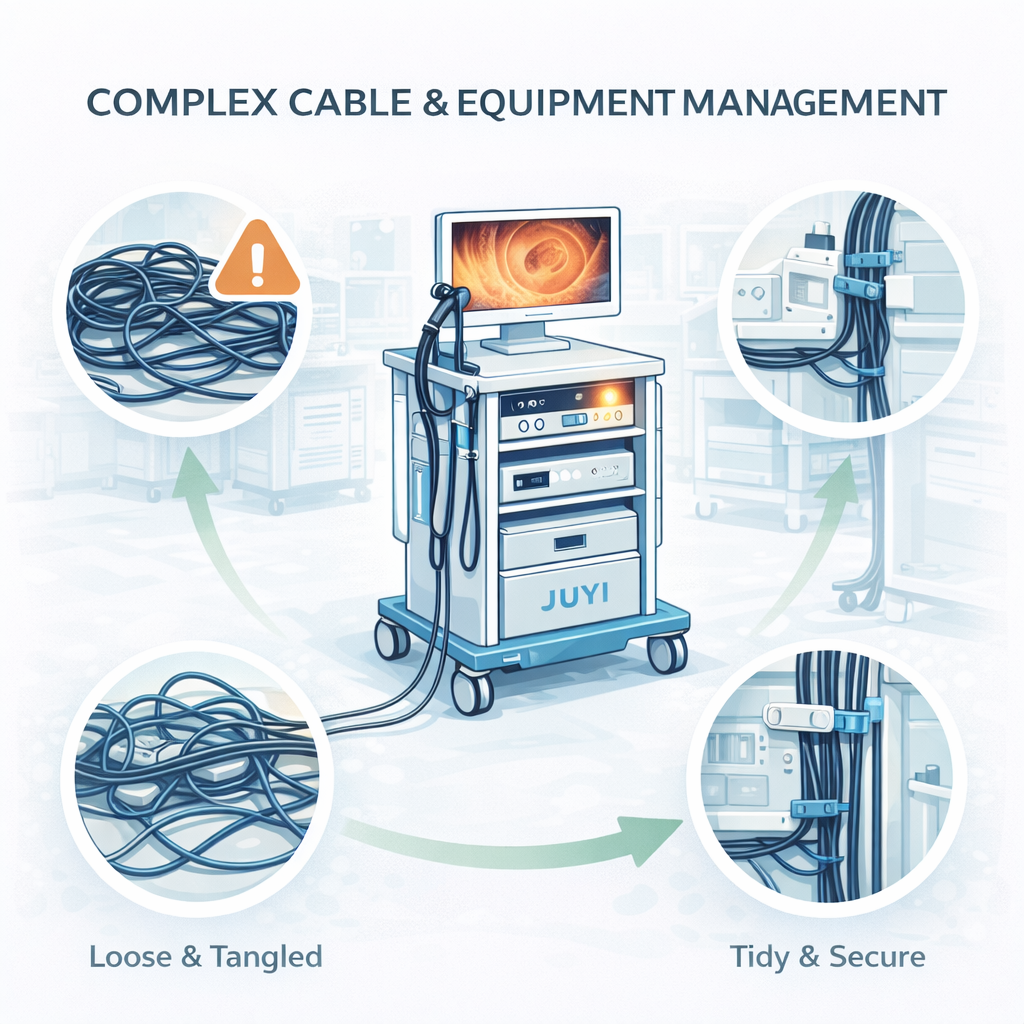
4. Complex Cable and Equipment Management
- Multiple cables from different devices must be routed safely and efficiently.
- Poor cable organization can affect both operation and movement.
- Clean, structured layouts are essential for daily use.
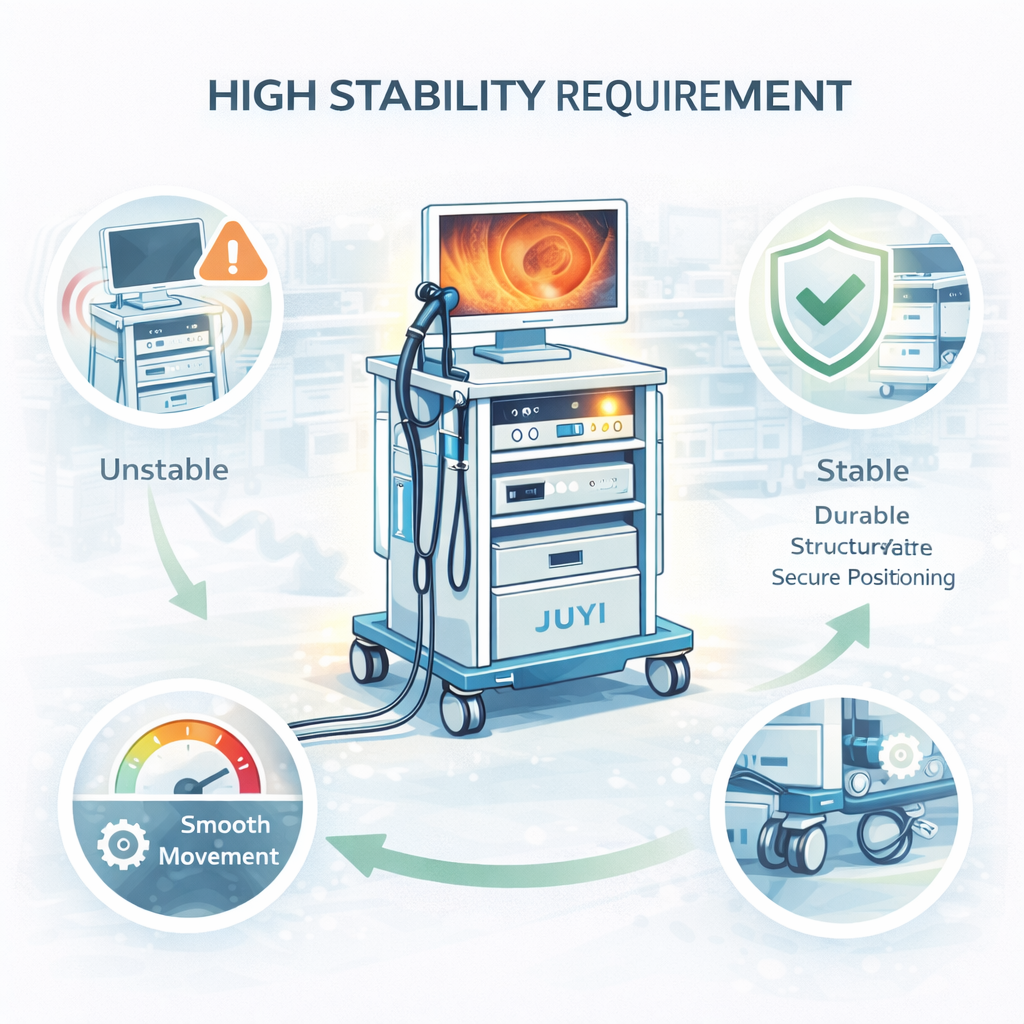
5. High Stability Requirements
- Equipment must remain stable during continuous operation and movement.
- Frequent use increases the need for durable structure and secure positioning.
- System stability directly impacts workflow efficiency and user experience.
Compared to ENT or surgical setups:
GI endoscopy systems place greater emphasis on continuous workflow, multi-device coordination, and long-term operational stability.
What Challenges Do Buyers Face in GI Systems?
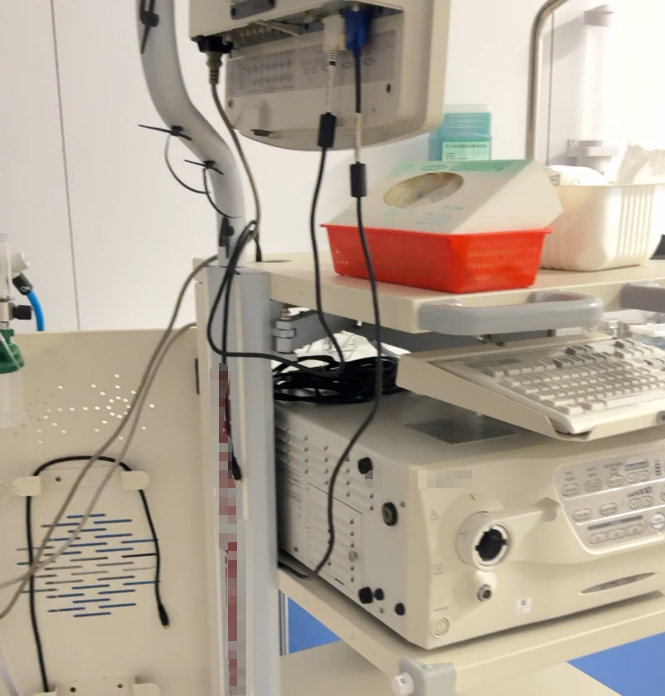
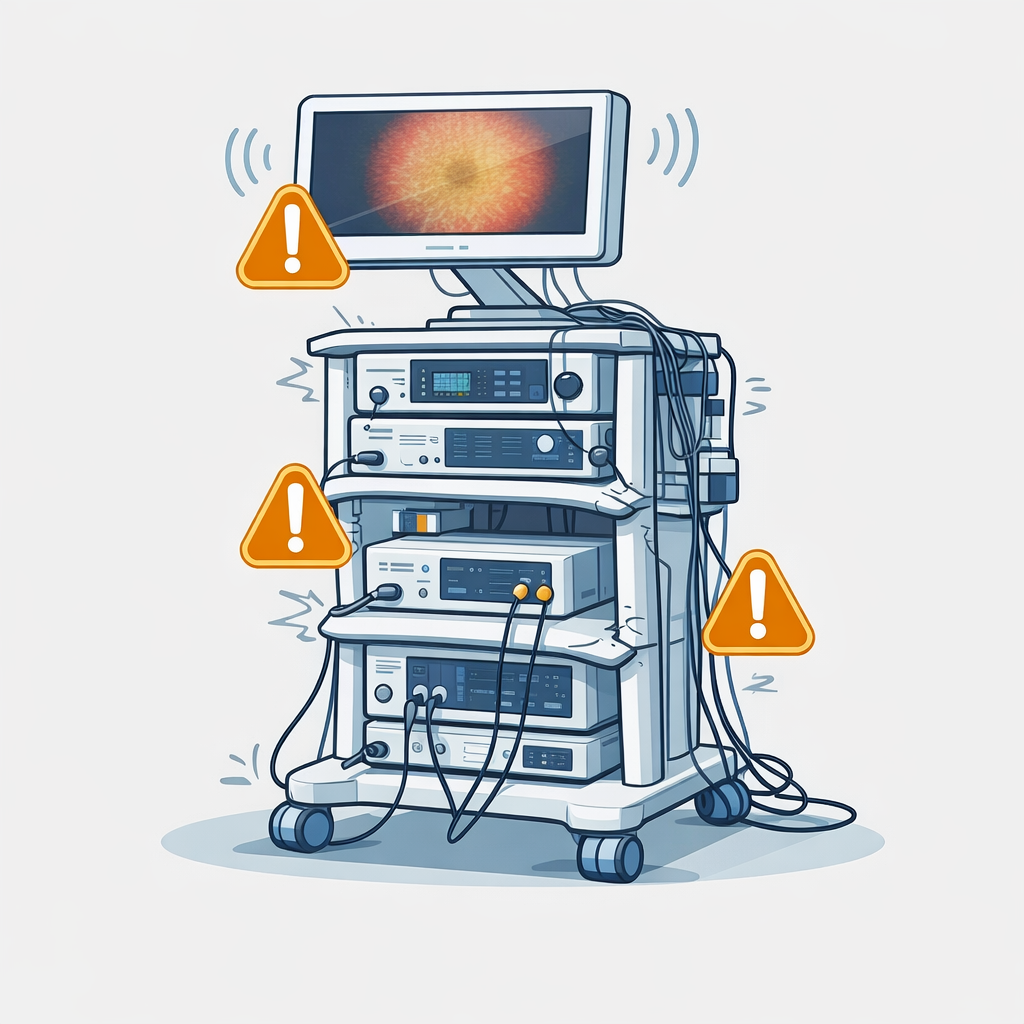
Cable Clutter
Disrupts workflow and increases operational risk
Multiple devices create a dense network of cables. Without proper management, cables become tangled, interfere with movement, and make maintenance more difficult — slowing down procedures and increasing the chance of errors.
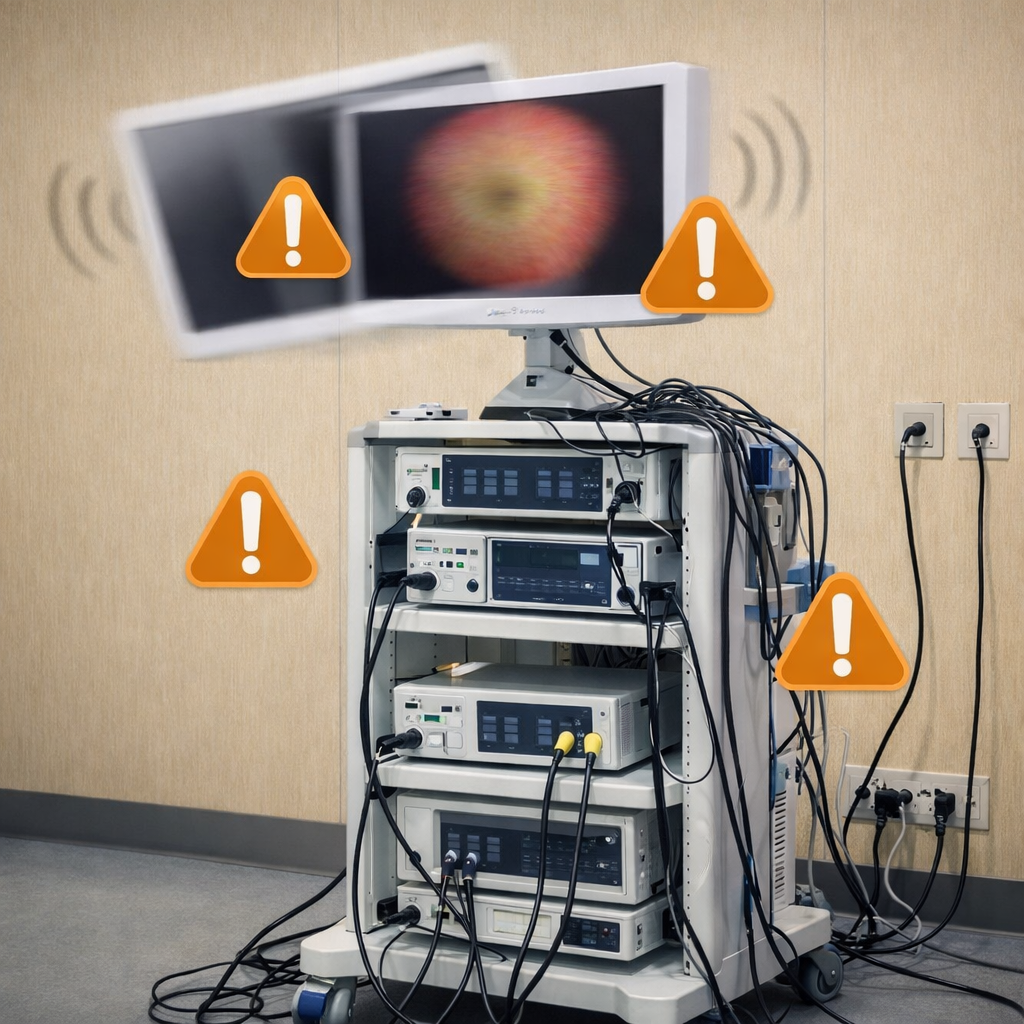
Monitor Instability
Affects visibility and procedural accuracy
Unstable monitor positioning can lead to poor viewing angles or slight shifts during operation. In high-frequency procedures, even minor instability can impact performance and user confidence.
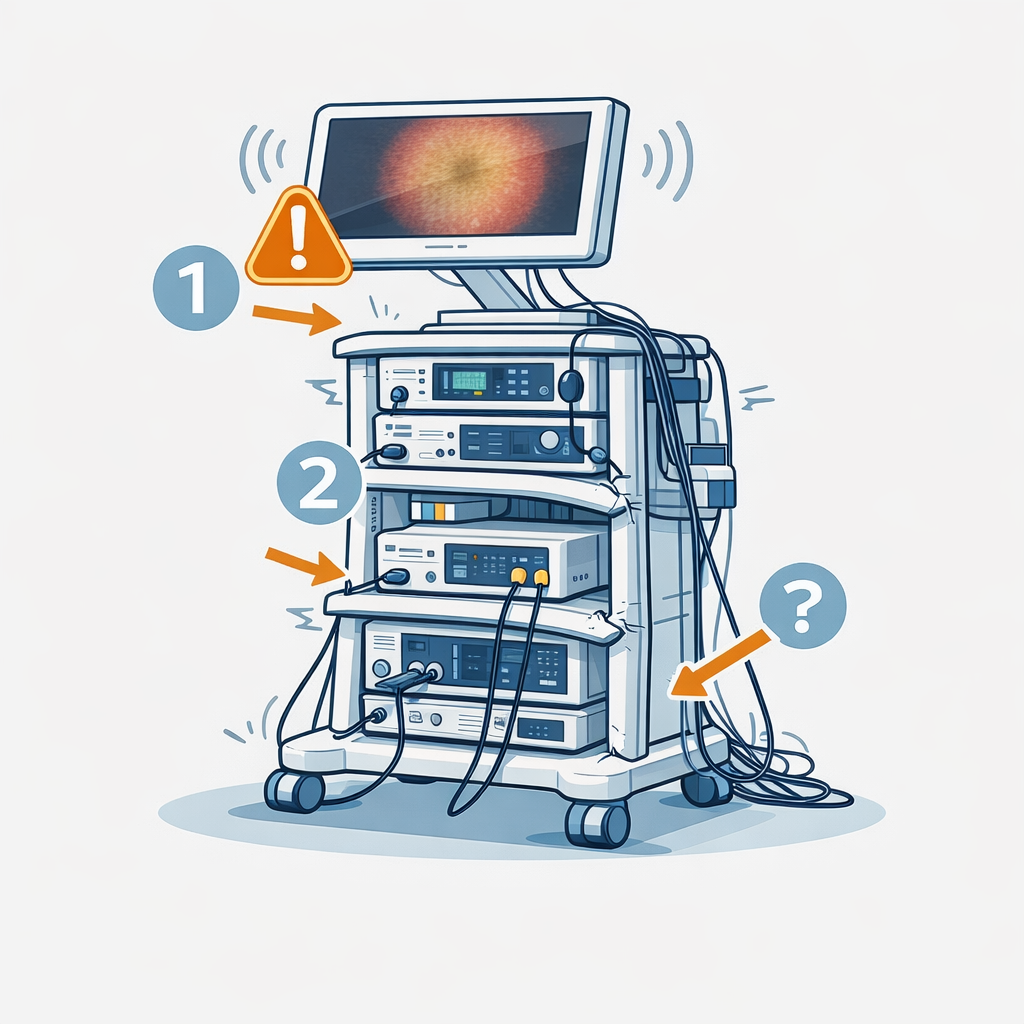
Limited Load Capacity
Leads to long-term structural issues
Standard carts may not be designed to support multiple devices. Overloading can cause deformation, reduce durability, and limit future system expansion.
Poor Layout Design
Reduces efficiency in daily use
Improper equipment placement makes operation less intuitive. Users may need extra time to adjust or access devices, which slows down the entire workflow.
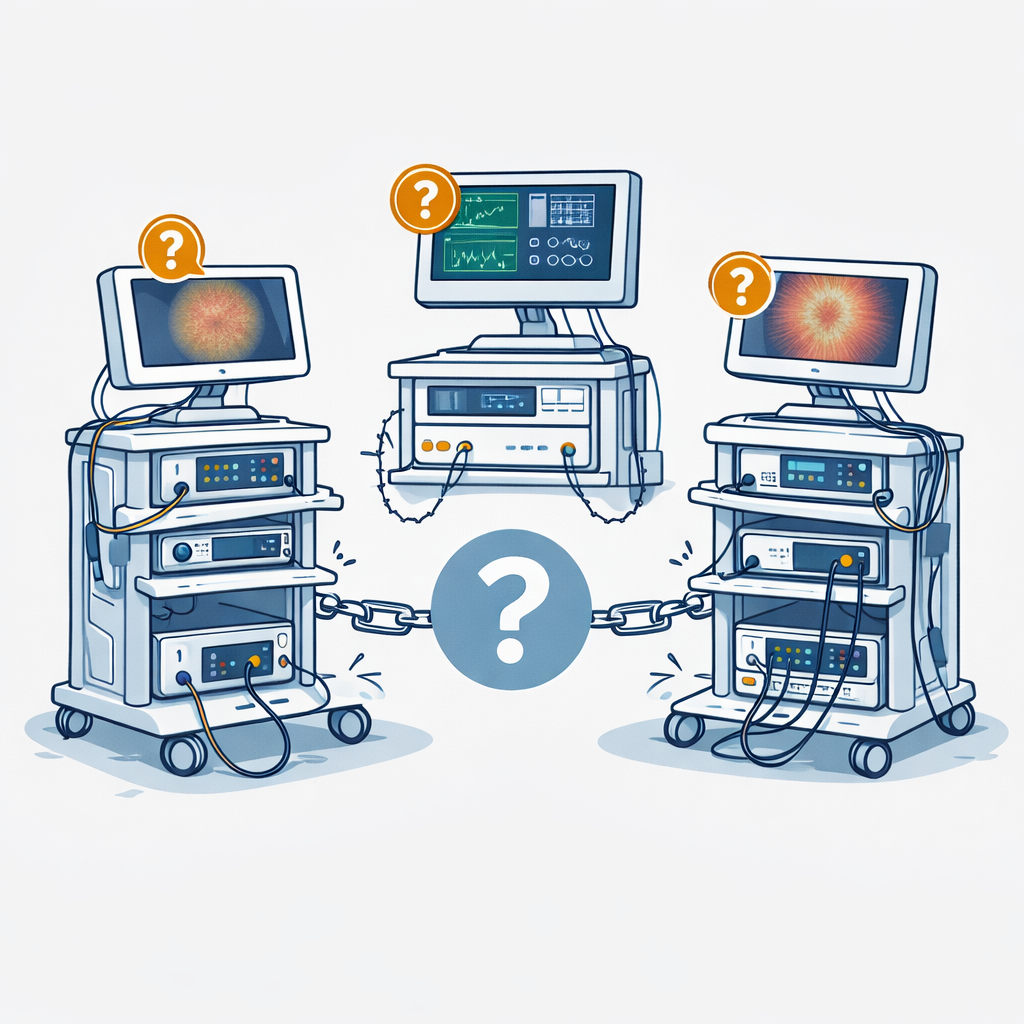
Lack of System Integration
Creates a fragmented setup
Without a unified structure, devices operate independently. This leads to repeated adjustments, inconsistent positioning, and a less reliable overall system.
What Type of Cart Works Best for GI Applications?
Not all standard carts are suitable for GI workflows.
GI endoscopy setups require carts designed specifically for multi-device systems and continuous daily use.
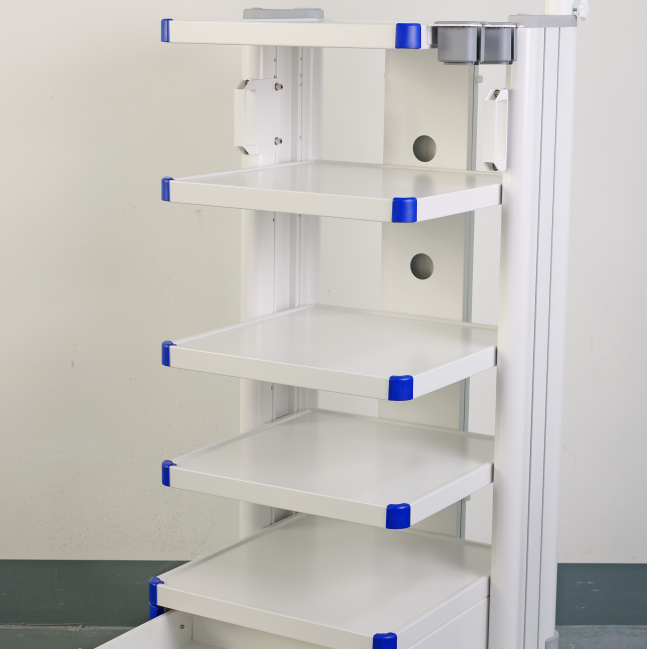
Multi-Tier Structure → Supports Multiple Devices
- Allows proper placement of processor, light source, and other equipment
- Keeps devices separated, organized, and easy to access
- Prevents overcrowding within limited space
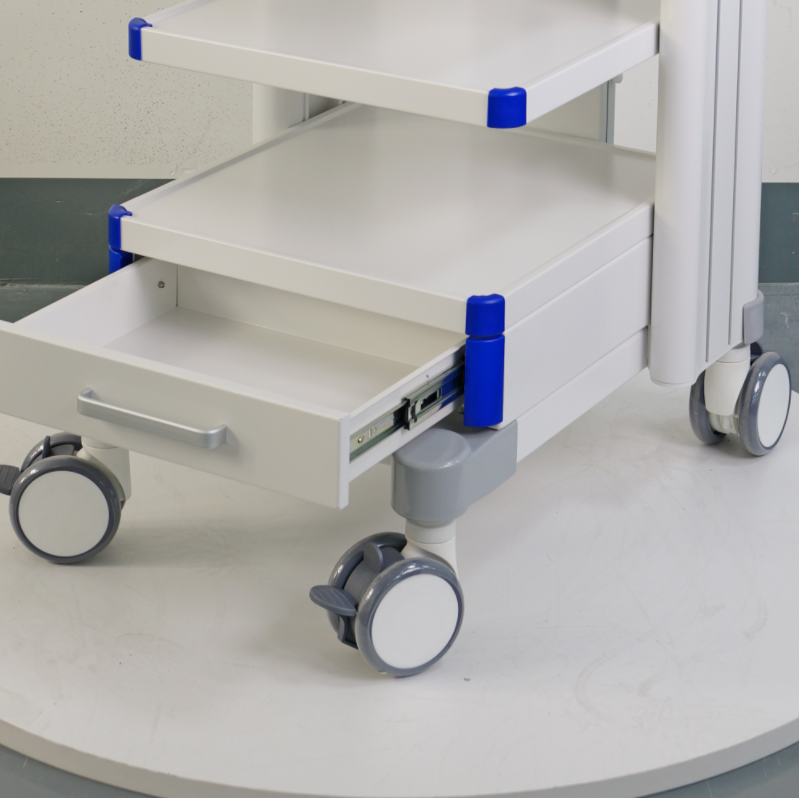
Stable Base → Ensures Safe Operation
- Provides strong load capacity for multiple devices
- Reduces vibration during operation and movement
- Maintains overall system stability throughout the day
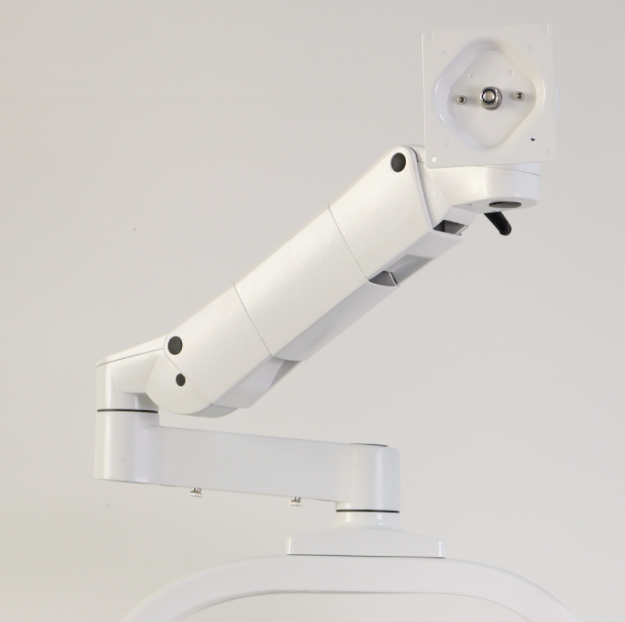
Monitor Arm → Improves Visibility and Flexibility
- Enables adjustable viewing angles for different procedures
- Helps optimize operator positioning and workflow
- Keeps the monitor securely fixed during use
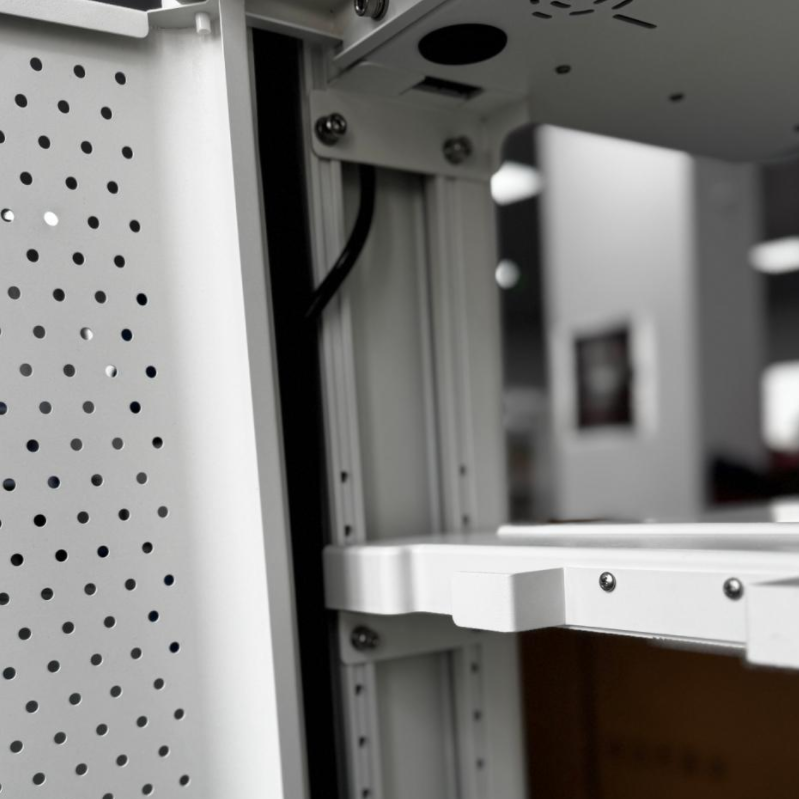
Cable Management System → Keeps Setup Clean and Functional
- Organizes multiple cables from different devices
- Prevents tangling, interference, and accidental disconnection
- Improves both safety and daily usability
System-Oriented Design → Built for Continuous Workflow
- Designed for frequent use and fast turnover between procedures
- Keeps the entire setup organized and ready at all times
- Supports efficient, uninterrupted operation
Recommended Setup Direction (Guidance, Not Selection)
This guide helps you identify a suitable setup direction based on real gastroenterology workflow conditions.
It does not replace detailed configuration selection.
Suggested Direction Based on GI Workflow Scenarios
| Your Situation | Typical GI Scenario | Suggested Direction |
|---|---|---|
| Low-volume clinic | Occasional gastroscopy / limited daily procedures | Compact multi-device setup |
| Standard GI room | Routine gastroscopy and colonoscopy with moderate daily throughput | Stable multi-device system with organized layout |
| High-throughput endoscopy unit | Continuous procedures with fast turnover between patients | Reinforced multi-device system with optimized cable management |
| Hospital / central endoscopy department | Multiple rooms, complex device combinations, long operating hours | Advanced integrated system with high load capacity and structured layout |
| Distributor / OEM project | Supplying to clinics or hospitals with different configurations | Custom system design based on application requirements |
How to Choose the Right Direction
- Focus on workflow intensity, not just device quantity
- Consider how often the system will be used throughout the day
- Pay attention to layout, cable management, and long-term stability
- Choose a structure that supports continuous operation, not temporary use
Explore full configuration options to match your exact system requirements.
How to Customize for Your GI Setup
Most GI endoscopy setups need some level of customization to handle continuous procedures and multiple devices.
What Usually Needs to Be Customized
Shelf Spacing
- GI systems often include a processor, light source, and other devices stacked together.
- If spacing is wrong → devices don’t fit well or heat builds up during long procedures.
Monitor Position
- During gastroscopy and colonoscopy, doctors change position frequently.
- If the monitor cannot adjust → poor viewing angle and uncomfortable operation.
Power Setup
- Multiple devices run at the same time in GI rooms.
- If power layout is not planned → too many external cables and unstable connections.
Cable Management
- GI setups involve many connected devices in a limited space.
- If cables are not organized → tangling, interference, and slower workflow.
Overall Layout
- Procedures are continuous, with fast turnover between patients.
- If layout is not optimized → repeated adjustments and reduced efficiency.
Simple Rule
If your setup involves gastroscopy or colonoscopy with multiple devices running continuously,
a standard cart is usually not enough.
Tell us your device setup — we can help you define a suitable GI configuration.